
Email Overload? 5 Expert Tips for Streamlining Your Inbox and Boosting Productivity
The ceaseless chime of new email notifications can feel less like a helpful communication tool and more like a relentless digital assault. In our hyper-connected world, email, once heralded as a productivity boon, has morphed into a significant source of stress and distraction for many. This pervasive issue, often dubbed “email overload,” has far-reaching consequences beyond just a cluttered inbox. It impacts our ability to focus, diminishes our overall productivity, and can even take a toll on our mental well-being. Understanding this phenomenon is the first step towards reclaiming control of your digital life and transforming email from a burden into a true asset.
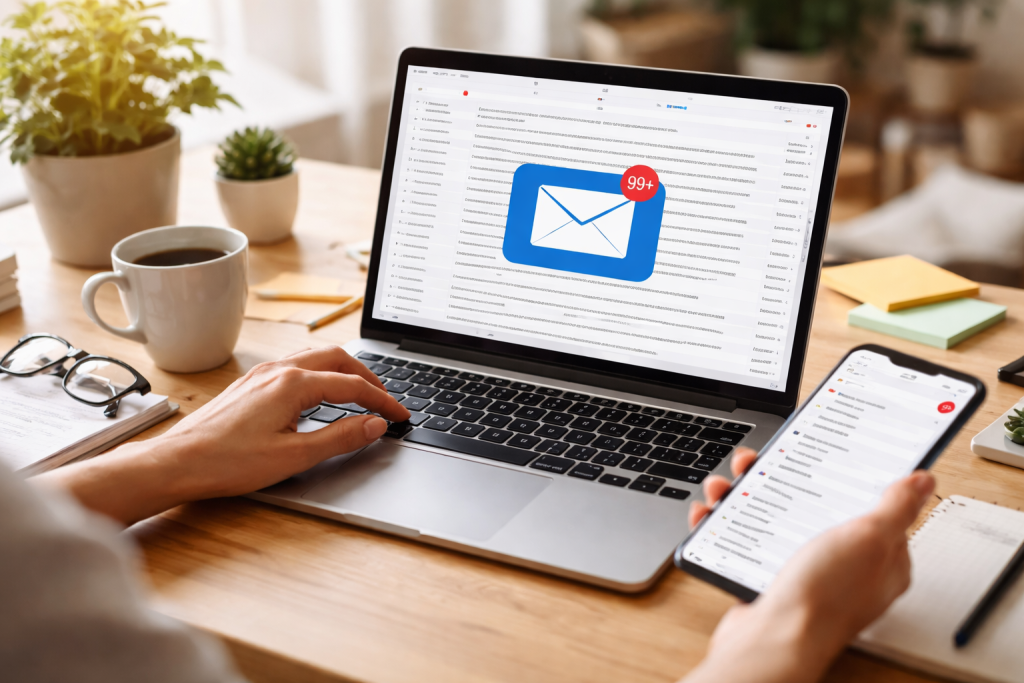
Email overload is more than just having a large number of unread messages. It’s the cognitive burden associated with constantly processing, categorizing, and responding to a deluge of digital communications. This constant mental engagement with email can lead to a state of perpetual distraction, making it challenging to concentrate on high-priority tasks. The sheer volume of incoming messages often creates a fear of missing out (FOMO), compelling individuals to check their inboxes incessantly, further disrupting their workflow.
Contents
- 1 The Cognitive Cost of Constant Interruption
- 2 The Toll on Mental Health
- 3 Implementing the “Four D’s” for Email Processing
- 4 Leveraging Folders and Labels for Structure
- 5 Prioritizing with Purpose
- 6 Communicating Your Availability
- 7 Designing a Dedicated Email Schedule
- 8 Mastering the Art of the Concise Response
- 9 Harnessing the Power of Smart Filters and Rules
- 10 Exploring AI-Powered Inbox Assistants
- 11 Effective Delegation and Collaborative Tools
- 12 Embracing Digital Detox Periods
- 13 The Benefits of a Fresh Perspective
- 14 Protecting Personal Time and Relationships
The Cognitive Cost of Constant Interruption
Each time an email notification pops up, our brain performs a “context switch.” We disengage from our current task, process the new information, make a quick decision about its urgency, and then attempt to re-engage with our original work. This seemingly minor interruption, repeated dozens or even hundreds of times throughout the day, fragments our attention and significantly reduces our ability to achieve deep work. Research consistently shows that it can take up to 20 minutes to fully regain focus after a significant interruption. When email is a constant source of these interruptions, our productivity plummets.
The Toll on Mental Health
Beyond productivity, email overload can severely impact mental well-being. The pressure to respond promptly, the anxiety of an overflowing inbox, and the feeling of constantly being “on call” contribute to increased stress levels. This chronic stress can manifest as burnout, fatigue, and even feelings of inadequacy. The line between work and personal life blurs when email infiltrates evenings and weekends, making it difficult to truly disconnect and recharge. This lack of boundary contributes to a pervasive sense of being overwhelmed, eroding both job satisfaction and overall happiness.
Taking control of your inbox requires a proactive and strategic approach. It’s not about achieving inbox zero every minute of every day, but rather about creating a system that allows for efficient processing and prioritization. The goal is to reduce the mental overhead associated with email, freeing up cognitive resources for more important tasks.
Implementing the “Four D’s” for Email Processing
A highly effective strategy for managing new emails is to apply the “Four D’s” upon first glance: delete, do, delegate, or defer.
- Delete: If an email is junk, unsolicited, or no longer relevant, delete it immediately. Don’t let it linger in your inbox.
- Do: If an email requires a quick response (under two minutes), do it immediately. This prevents small tasks from accumulating.
- Delegate: If the email’s content or action item is better suited for someone else, forward it to the appropriate party and, if necessary, remove yourself from the conversation.
- Defer: If the email requires a longer response or action, move it to a dedicated “action” folder or add it to your to-do list, then archive or move the original email out of your immediate inbox.
Leveraging Folders and Labels for Structure
Beyond the “Four D’s,” establishing a clear folder or labeling system can significantly improve organization. Resist the urge to create dozens of highly specific folders. Instead, opt for a few broad categories like “Action Required,” “Waiting On,” “Archive,” “Reference,” and possibly subject-specific folders for ongoing projects. Regularly review and consolidate these categories to prevent them from becoming overly complex.
Prioritizing with Purpose
Not all emails are created equal. Develop a system for quickly identifying high-priority messages. This might involve using flags, stars, or a separate “Urgent” folder for emails requiring immediate attention. Conversely, understand that not every email demands an instant response. Establish an internal hierarchy of importance and respond accordingly, rather than reacting to every new message as if it’s critical.
A significant part of email overload stems from a lack of clear boundaries, both personal and organizational. By consciously setting limits and communicating expectations, you can drastically reduce the influx of unnecessary emails and the pressure to respond instantly.
Communicating Your Availability
Proactive communication is key. Use an automated out-of-office reply when you’re away, even if it’s just for a few hours of focused work. In your email signature, consider stating your general response time or preferred communication channels for urgent matters. This sets clear expectations for others and relieves the internal pressure to be constantly available.
Designing a Dedicated Email Schedule
Instead of checking emails intermittently throughout the day, designate specific times for email processing. This might be once in the morning, once after lunch, and once before ending your workday. During these dedicated blocks, fully immerse yourself in email tasks. Outside of these times, close your email client or turn off notifications to minimize distractions and allow for sustained focus on other work.
Mastering the Art of the Concise Response
Long, rambling email chains contribute to inbox clutter and cognitive fatigue. Strive for concise and clear responses. Get straight to the point, avoid unnecessary pleasantries, and use bullet points or numbered lists to convey information efficiently. Before hitting send, ask yourself, “Can this message be shorter without losing clarity?”
Technology, while a contributor to email overload, also offers powerful solutions for managing it. Leveraging automation tools and effectively delegating tasks can significantly reduce manual effort and free up valuable time.
Harnessing the Power of Smart Filters and Rules
Most email clients offer robust filtering and rule-setting capabilities. Utilize these to automatically sort incoming emails into designated folders. For instance, emails from specific senders (e.g., newsletters, automated reports) can be sent directly to a “Read Later” or “Reference” folder, bypassing your primary inbox. This reduces visual clutter and ensures that only truly essential messages land in your immediate attention space.
Exploring AI-Powered Inbox Assistants
Emerging AI tools are transforming email management. These assistants can prioritize emails, summarize long threads, suggest responses, and even automatically draft replies for common queries. While not a complete replacement for human judgment, they can significantly reduce the time spent on routine email tasks, allowing you to focus on more complex communications.
Effective Delegation and Collaborative Tools
For team-based projects, consider whether all communications truly need to happen via email. Project management tools, instant messaging platforms, and shared document systems can often facilitate more efficient communication and reduce the need for constant email chains. When an email does require action, delegate it clearly to the appropriate team member, ensuring they have all the necessary context to proceed.
In our always-on culture, the idea of completely disconnecting from email can feel daunting, even impossible. However, regular breaks from email are not merely a luxury; they are a necessity for maintaining productivity, fostering creativity, and safeguarding mental well-being.
Embracing Digital Detox Periods
Intentionally scheduling periods where you completely disengage from email is crucial. This might be a few hours each day, an entire weekend, or during vacations. Communicate these “out-of-office” periods clearly to colleagues and clients. Use out-of-office automatic replies to manage expectations. These detoxes allow your brain to rest, process information, and return to tasks with renewed energy and focus.
The Benefits of a Fresh Perspective
When you’re constantly immersed in email, it’s easy to get caught in a reactive loop. Stepping away provides a valuable opportunity to gain perspective. You might find that an email you initially deemed “urgent” can, in fact, wait. Disconnecting also allows for more creative thinking, as your mind is freed from the constant bombardment of external demands.
Protecting Personal Time and Relationships
Email’s insidious nature can erode personal time and strain relationships. By consciously unplugging, you create vital boundaries between work and life. This allows for dedicated quality time with family and friends, pursuing hobbies, and engaging in self-care activities—all of which are essential for a balanced and fulfilling life. Prioritizing these aspects helps prevent burnout and fosters a healthier overall lifestyle.

The LearnZA Team is a group of passionate learners and content creators focused on delivering high-quality, practical knowledge in a simple and easy-to-understand format.